
- All
- Product Name
- Product Keyword
- Product Model
- Product Summary
- Product Description
- Multi Field Search


| Color: | |
|---|---|
| Light: | |
| Storage: | |
| Quantity: | |
| min order: 20 unit max order: 200 unit | |
| View wholesale prices
| |


MatePad Pro 12.2 inch
HUAWEI
AECH3946765
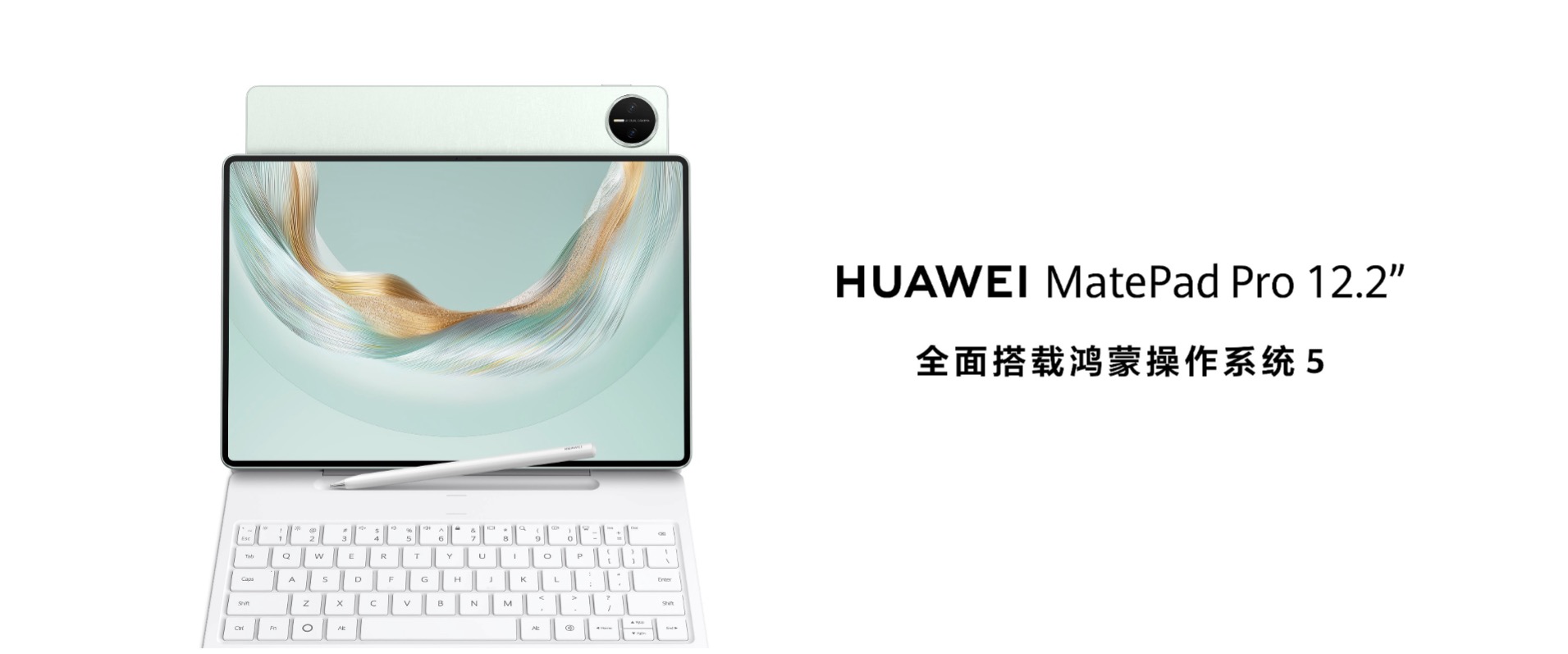
The HUAWEI MatePad Pro 12.2-inch is a premium, ultra-thin 3-in-1 flagship tablet designed for creative professionals and mobile productivity. Its standout feature is a high-brightness Tandem OLED display available in a specialized, anti-glare PaperMatte Edition that replicates the tactile feel of writing on paper.
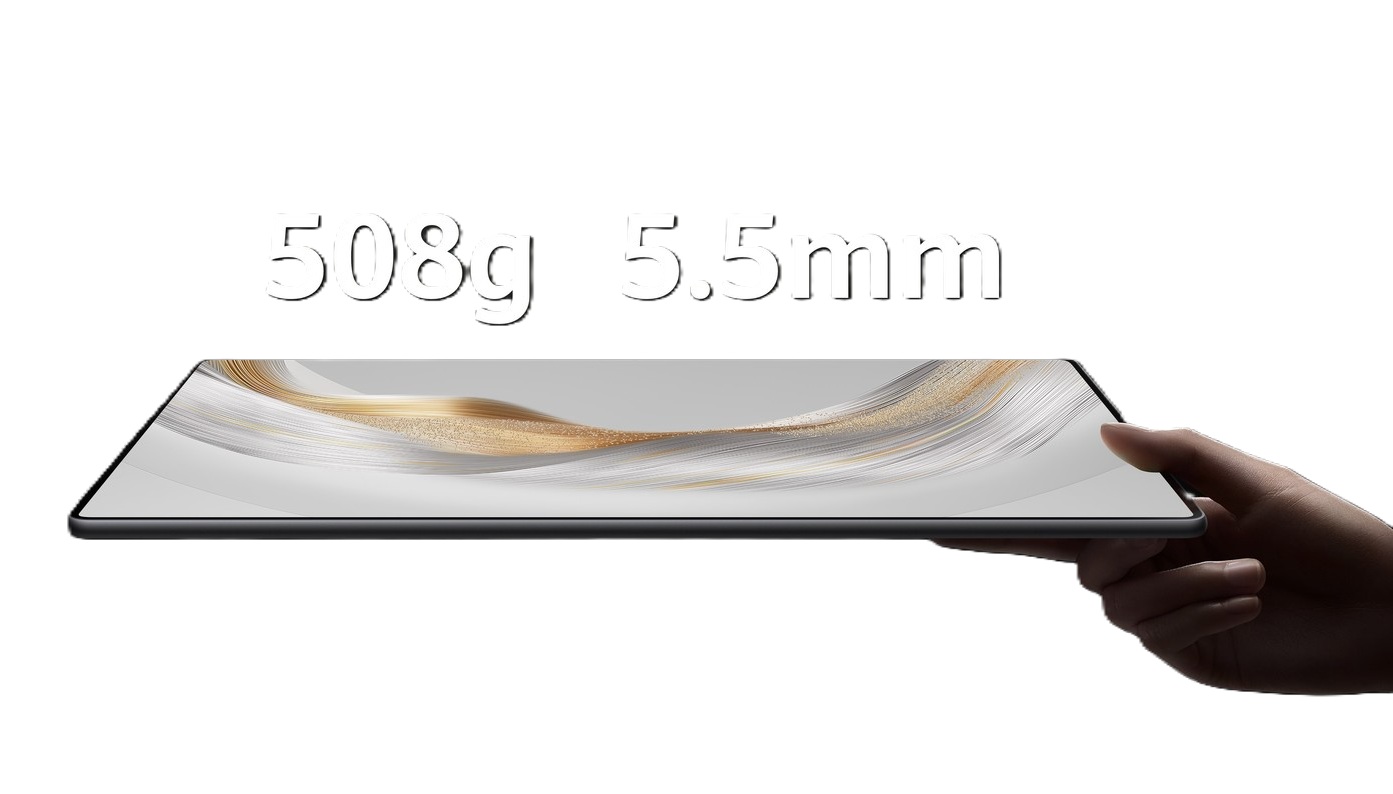
12.2-inch 2.8K Tandem OLED · 144Hz Refresh Rate · 2,000 Uits Peak Brightness · PaperMatte Edition · Glare Reduced · Tactile Feel Paper Writing · Kirin T92A Octa-core Processor · Magnetic Glide Keyboard · M-Pencil (3rd Gen) · PC-level WPS · Pre-installed GoPaint app · Customizable Brushes · 3D Oil Painting · Frame-by-frame Animation · 10,100 mAh Battery · 100W Wired SuperCharge · Full Charge 1h · Extremely Thin 5.5 mm · Incredibly Light
Optimize Performance
If you feel your tablet lagging or draining battery
·Run System Optimizer: Open the pre-installed Optimizer app and tap "Optimize" to clear background tasks and cache.
·Manage Battery Settings: Enable Smart Charge to prolong battery life, or use Turbo Mode for 100W fast charging when you need a quick top-up (charges to 85% in about 40 minutes).
Solve App & Google Services Limitations
Since the tablet lacks native Google Play Services out-of-the-box, you can use third-party tools for a better experience:
·Use MicroG / Gbox: Instead of just downloading APKs, rely on trusted community wrappers like MicroG to seamlessly log into your Google Account and download apps directly from the Huawei AppGallery.
·Web Apps for Missing Softwares: For apps like Google Docs, Google Drive, or Netflix, save their web URLs to your home screen using the Huawei Browser for desktop-like functionality.
Maximize Productivity
To use the MatePad Pro as a true laptop replacement with its Glide Keyboard and M-Pencil:
·PC-Level WPS Office: Ensure you use WPS Office to open your spreadsheets and presentations, as it provides a true desktop UI instead of a compressed mobile view.
·Live-Multitask: Open up to three windows simultaneously to compare notes, browse the web, and run productivity apps at once.
SuperHub & Multi-Screen Collaboration: If you have a Huawei phone or laptop, use SuperHub to easily drag and drop files and images across your devices without cables.
Improve the Drawing Experience
If you are using the GoPaint App:
·PaperMatte Friction: Take advantage of the nano-level etching on the Tandem OLED PaperMatte screen to get tactile, paper-like resistance while sketching.
·AI Handwriting Enhance: Use this feature in Huawei Notes to automatically straighten and neaten your handwritten meeting minutes.
Design
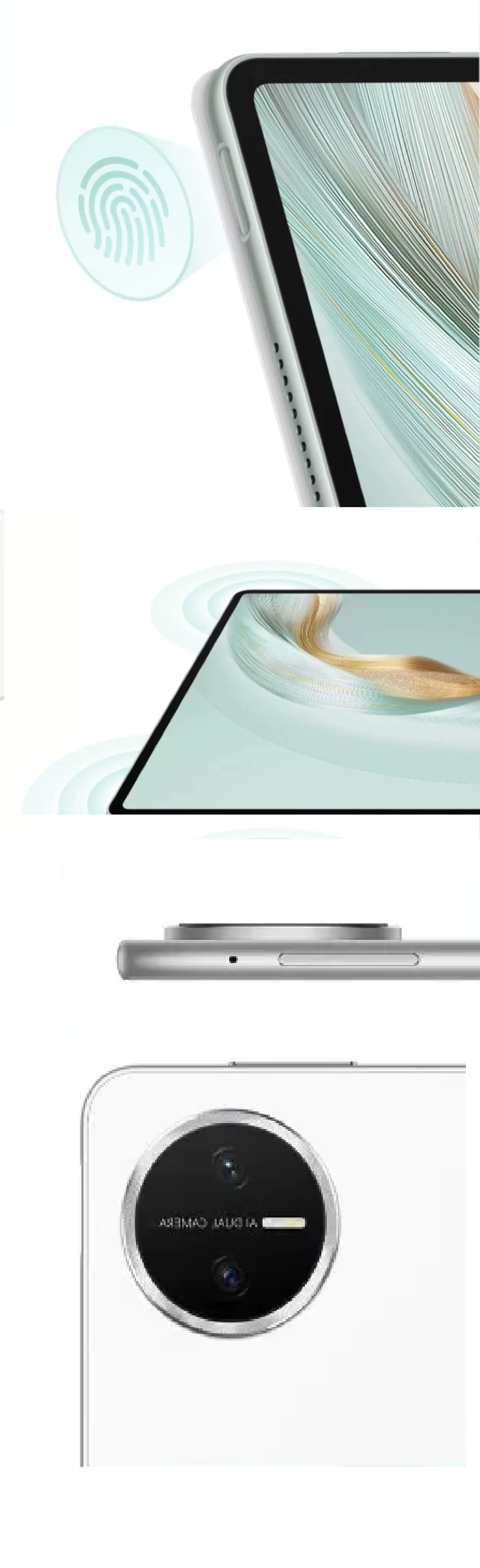
It features an ultra-premium, lightweight design centered around two primary configurations: the recent MatePad Pro 12.2 and the slightly larger MatePad Pro 12.6. Both form factors prioritize minimal bezels, exceptional thinness, and advanced companion mechanics for professional creators.
· Just 5.5 mm thick
· Remarkably light 508g
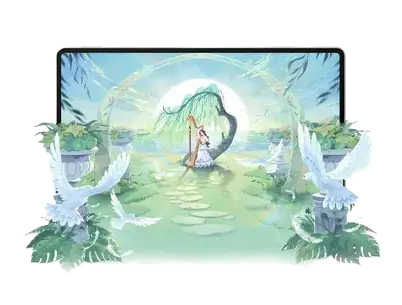
· Organic "silk-weaving" pattern
· Tandem OLED PaperMatte Screen
· Anti-glare nano-level etched layer
· Eliminates reflections
· Mimics a paper tactile feel
Display
Its display sets a premium benchmark for tablets by combining high-end Tandem OLED panel technology with optional PaperMatte glare-reduction chemistry.
· Dual-layer Tandem OLED pixel-stacking
· Up to 3x longer panel lifespan.Aspect
· Productivity-focused 3:2 golden ratio
· More vertical workspace for documents and sketching
· 2800 × 1840 pixels (2.8K)
· Automated SuperMotion
· Massive 2,000 nits peak brightness backed
· True 10-bit rendering (1.07 billion colors)
· Professional P3 wide color gamut
Performance
It delivers snappy day-to-day multitasking, professional-grade drawing capabilities, and excellent battery life, though their raw processing power lags behind cutting-edge rivals. Performance is highly optimized around Huawei's HarmonyOS ecosystem.
· In-house Kirin T92A
· Prevents background apps from aggressively closing
· Dual-layer Tandem OLED panel
· 144Hz refresh rate
· Highly fluid system animations
· Eexcellent outdoor visibility
· Deeply digital art
· NearLink-powered M-Pencil
· 2D and 3D games stable
Camera
It supports multiple shooting functions including portrait mode, time-lapse photography, dynamic photos, smart filters, watermarks, smile capture, selfie mirroring, voice-controlled shooting, timed shooting and beauty mode. The maximum photo resolution it can capture is 3200×2400 pixels, and it supports up to 1080p (1920×1080) 30fps video recording.
The rear camera provides a variety of shooting modes: time-lapse photography, ultra-wide-angle, large aperture bokeh, super night scene, portrait mode, professional mode, slow motion, dynamic photos, voice-controlled shooting, timed shooting, high-pixel shooting, P3 color mode shooting, etc., which can meet the shooting needs of different scenes such as daily records, scenery, and portraits.
· 8MP ultra-wide angle camera (f/2.2, FF)
· 4160 × 3120 pixels
· Time-lapse photography
· Large aperture blur
· Super night scene
· Intelligent filter
Battery
Its Efficiency Power delivery is a standout performance area. It features a massive 10,100 mAh battery paired with 100W SuperCharge technology. Easily clears 11 to 12 hours of active, continuous workspace or video playback workloads. Reaches an 85% charge in just 40 minutes and completes a full 100% cycle in roughly 55 minutes.
· Massive 10,100 mAh battery
· 100W SuperCharge technology
· 85% charge just 40 mins
· 100% cycle in roughly 55 mins
Connectivity
It offers comprehensive connectivity options designed for high-speed data transfer, stable peripheral connections, and versatile networking.Bluetooth 5.2
· NearLink
· PC Data Synchronization
· OTG
· Maximum output current at 1.5A/5V during reverse power supply· Type-C
· USB 3.1 Gen 1
Accessibility
It is comprehensive and meets the needs of most users with different accessibility requirements, covering multiple scenarios from visual to interactive.
· Vision enhancements
· Dexterity & Interaction
· Hearing assistance
· Screen reader (TalkBack)
Others
· Real-World Performance BreakdownDay-to-Day & MultitaskingGeneral navigation, web browsing, and switching between heavy workplace documents feel incredibly smooth.
· The tablet handles complex UI elements and up to three simultaneous floating windows without dropping frames.
· Huawei's extreme software optimization on HarmonyOS masks the chipset's lower raw processing benchmarks compared to newer Snapdragon platforms.
· Desktop-class file management also allows seamless interactions with large files and external drives.


